

























JERSEY CITY, NJ —
August 01, 2026 |
By DailyHudson Staff
As private parties and product launches pack amenity floors, building networks built for residents are failing under the load.
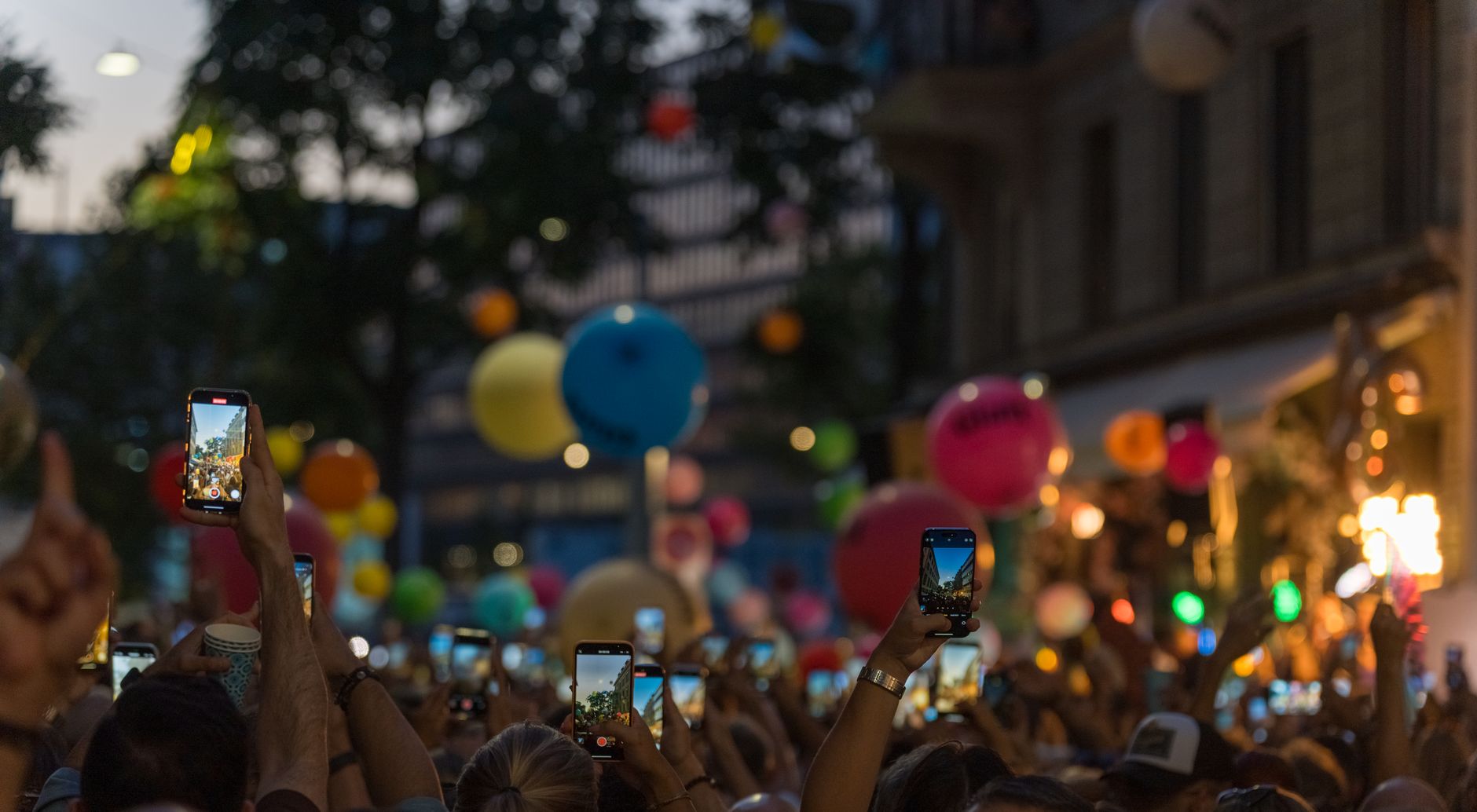
The photographer stood at the rooftop’s edge, watching her upload bar stall. 8:15 PM, sixty-some guests spread across the terrace, every phone hunting for a signal that kept bouncing off the glass and the steel deck below. By then, the building’s guest network—designed for a handful of residents streaming from their own units—had nothing left for a party.
That scene is becoming familiar as Jersey City’s skyline keeps filling in. Towers from Journal Square to Newport were marketed with those gorgeous amenity floors: sky lounges, rooftop terraces, co-working suites. And property managers have leaned in hard, renting those spaces out for private events, corporate mixers, product launches. The problem? The amenities were built with residents in mind. Maybe a dozen people checking email or streaming a show. Nobody sized the network for 150 people with cameras, tablets, and a DJ running a laptop off the same riser.
Why the Wi-Fi fails when you need it most
Concrete and steel work against the buildings that need the internet most. Low-emissivity glass—the kind that keeps heating bills down in a 40-story tower—also reflects and scatters cellular signal. That’s part of why upper-floor units in some of these buildings report weak reception to begin with. Toss in the PATH tunnel running underneath parts of Downtown, and you get a building that looks great in real estate photos but struggles the moment 80 or 90 devices try to pull a signal from the same access point.
Talia Brennan, an event producer who books rooftop and lobby spaces across the waterfront for corporate clients, has lived this. “I’ve had a caterer’s card reader freeze mid-swipe because the sales rep upstairs was on a video call using the same guest network,” she said. “Nobody thinks about that until it happens in front of forty people holding drinks.” Brennan now asks building management—before signing any rental agreement—exactly how many devices the guest Wi-Fi is rated to support. And increasingly, she builds in her own backup internet as a line item, not an afterthought.
The demand grew. The infrastructure didn’t
Leasing teams don’t publish numbers on this, but property managers who handle amenity-floor bookings across several waterfront towers describe event volume roughly tripling since 2019. Residents rent space out for their own parties. Outside brands pay for a rooftop with a skyline backdrop for a product shoot. Furniture budgets and event calendars grew with that demand. Network capacity mostly didn’t.
One frequently booked tower near Exchange Place still runs its guest Wi-Fi off the same access points installed at construction, rated years ago for a fraction of the device load a Saturday night mixer now brings through the lobby. It’s like buying a single-family home’s fuse box, then plugging in a music festival.
What this means for residents and event-goers
If you live in one of these buildings, you’ve probably felt it. You’re streaming a movie on a Tuesday night and suddenly the picture blurs. It might not be your router. It could be the wedding reception on the 35th floor, or the corporate launch party in the sky lounge, eating up bandwidth that was never meant to be shared.
For renters planning a party or a brand booking a space, the lesson is simple: don’t assume the building’s Wi-Fi has your back. Ask the hard questions before you sign. How many devices is the guest network rated for? Is there a separate event network? And if the answer is vague, plan for a backup.
The fix is already here — if you know where to look
That shift has opened space for companies that specialize in dropping a temporary, self-contained network into a building for the length of an event, independent of whatever the landlord already has running. Instead of fighting for bandwidth on a shared circuit, event producers are bringing in bonded-cellular kits that pull from multiple carriers at once and stitch the connections together. So a dead spot on one network doesn’t take the whole event down.
WiFiT, which has been running event internet rental in Jersey City since 2015, is one of the names event planners turn to when a building’s existing network can’t be trusted to carry a few hundred devices for a few hours. “We’ve walked into venues where the property’s own IT contact swore the Wi-Fi could handle two hundred people, and by the second hour it’s dropping every call,” said Matt Cicek, CEO of WiFiT. “What actually saves the event is uplink prioritization—deciding in real time which traffic gets through first, because a payment terminal freezing during checkout matters more than someone’s Instagram story buffering.”
Cicek’s crew runs a site survey a few days ahead of an event in buildings like the ones going up across Journal Square and the waterfront, checking which carriers actually reach specific floors before committing to a setup. That step, he says, gets skipped constantly by venues that assume good service downtown means good service on floor 34.
What to watch for
None of this is unique to Jersey City, but the density of new construction here has compressed the timeline. A handful of these towers went from empty lots to fully leased amenity floors within a couple of years, and event bookings followed almost immediately—often faster than the infrastructure could keep up.
If you’re planning an event in one of these buildings, ask for the specifics. If you live in a tower that’s suddenly hosting events, you have a right to know how your network is being shared. And if you’re a building manager reading this—well, you already know. The next time a guest’s card reader freezes mid-swipe, it’s not just an inconvenience. It’s a sign that the network, like the building itself, needs to be built for the crowds it’s actually welcoming.
Source: Jersey Digs